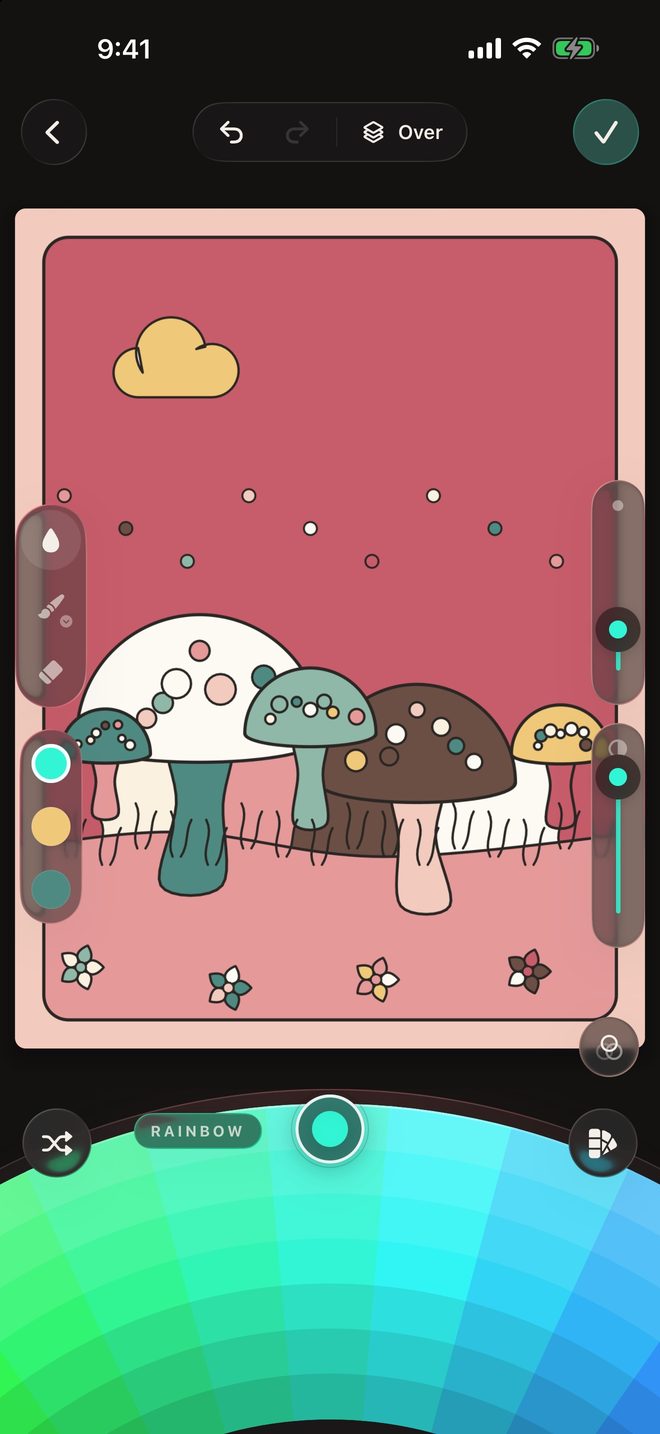
For iPhone and iPad

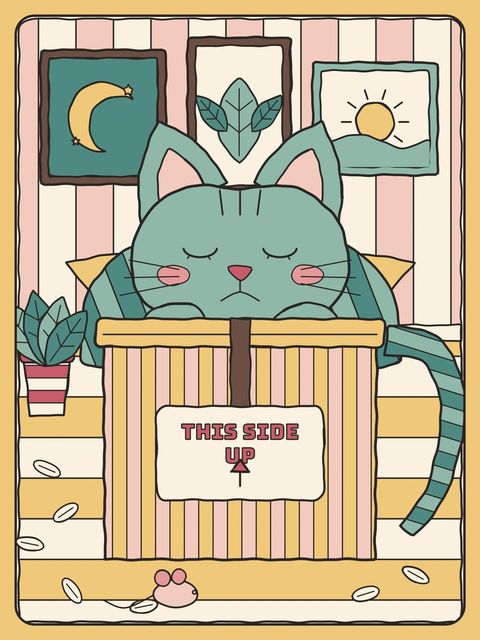
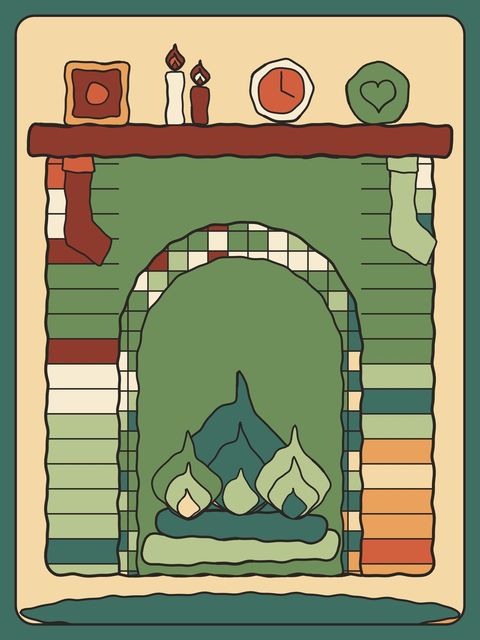
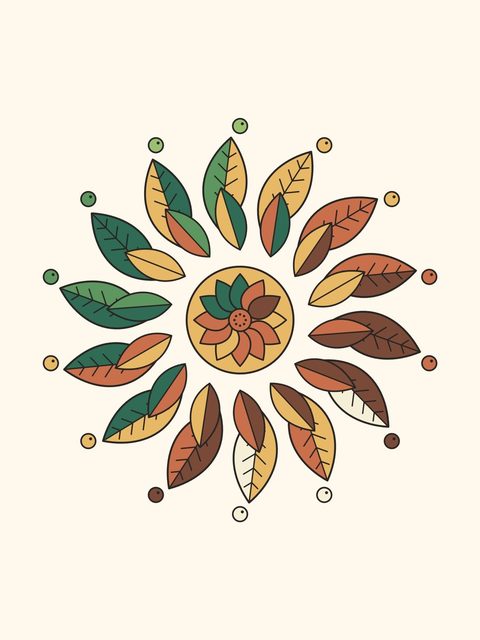
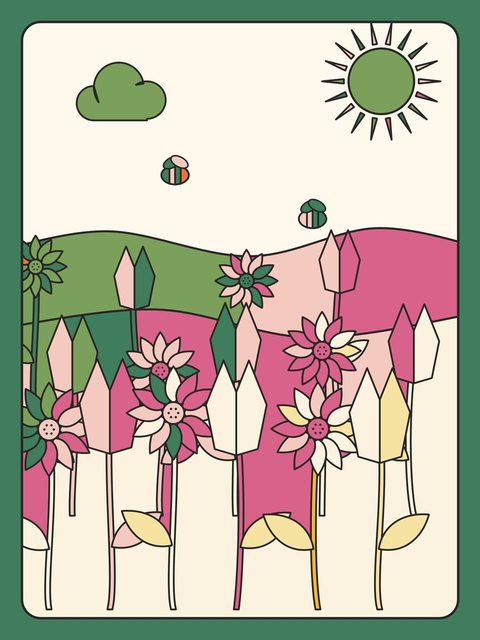
Color something beautiful.

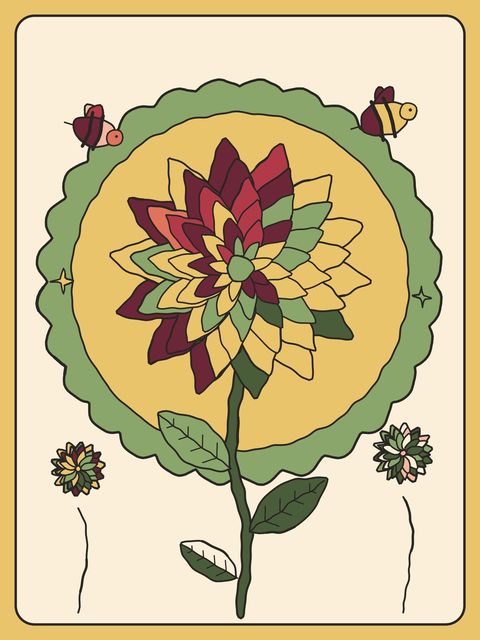
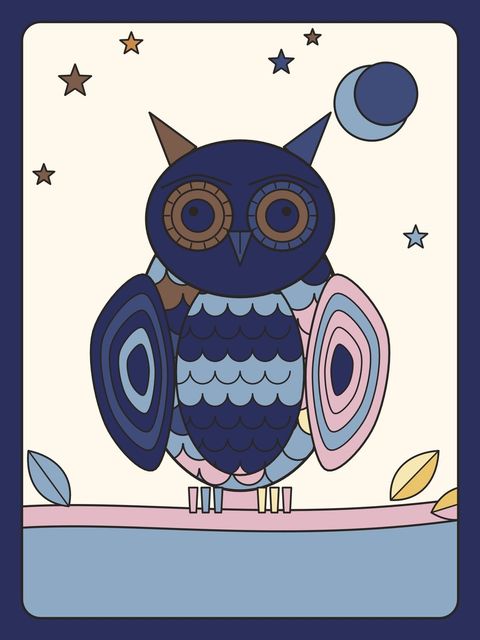
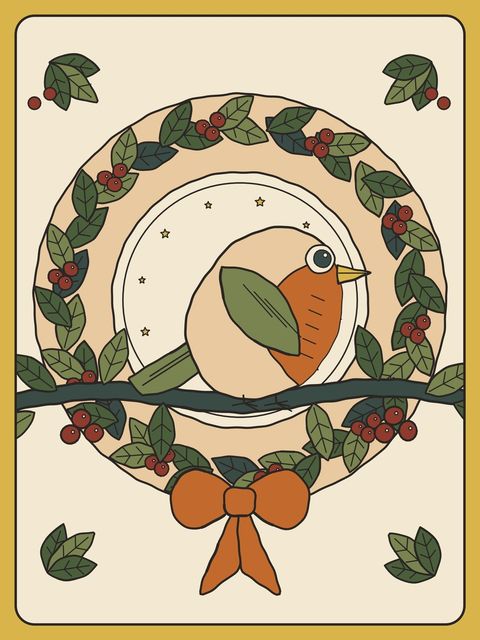
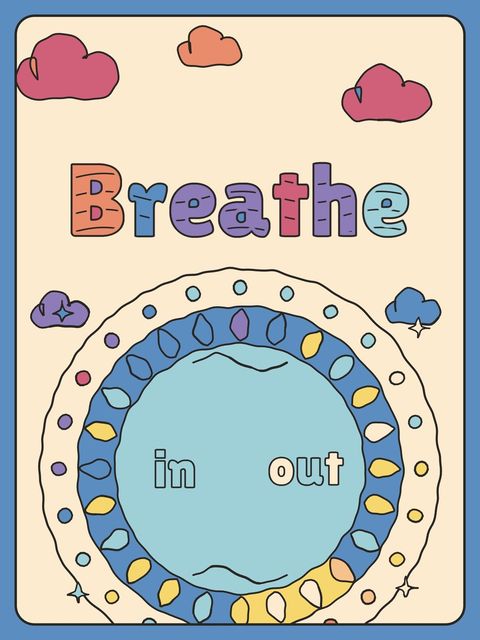
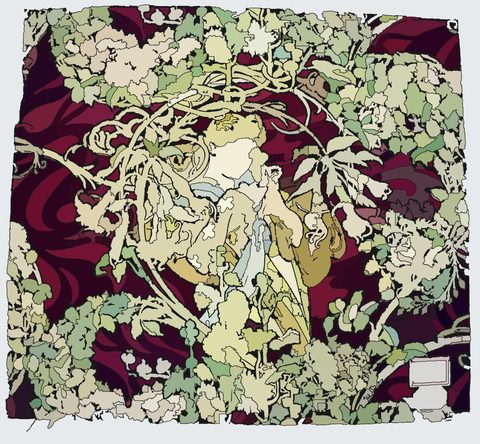
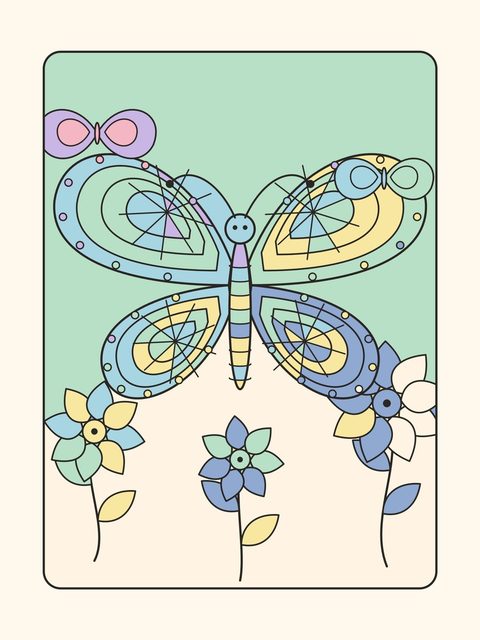
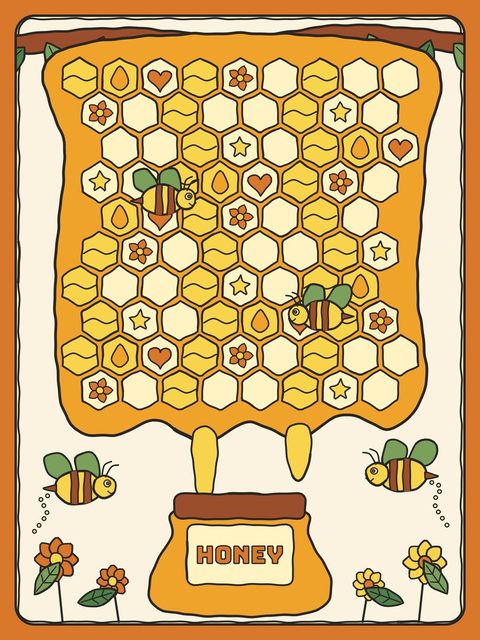
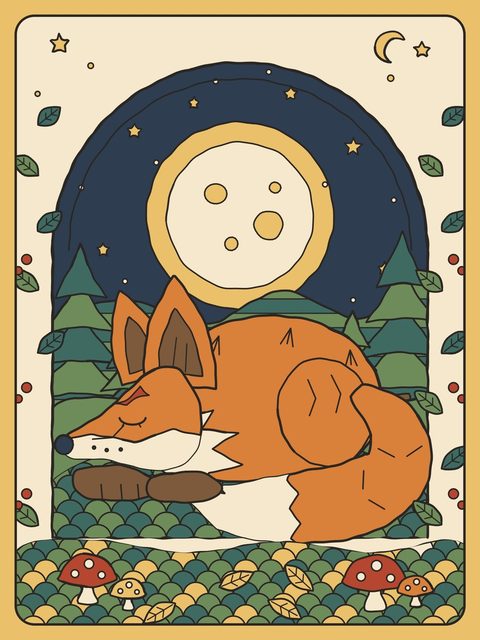
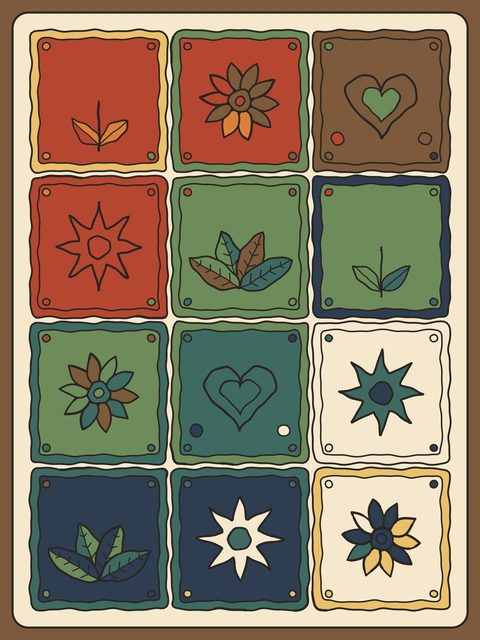
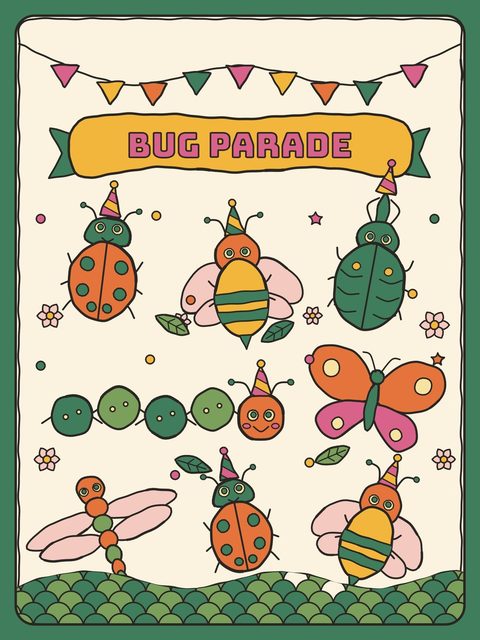
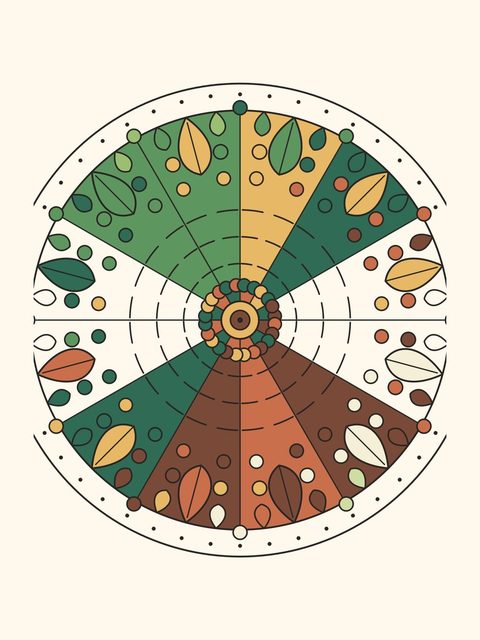
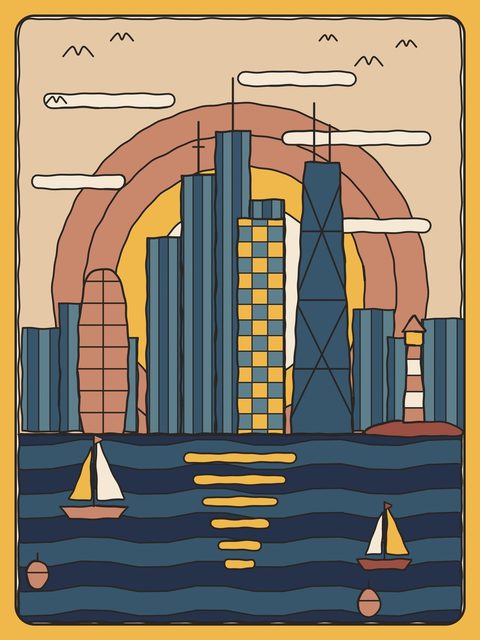
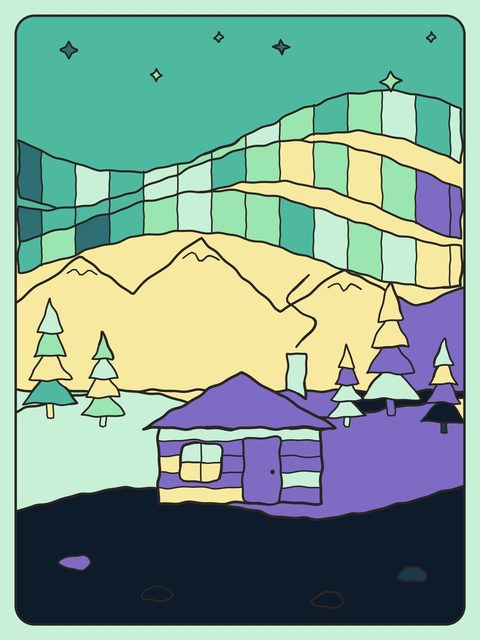
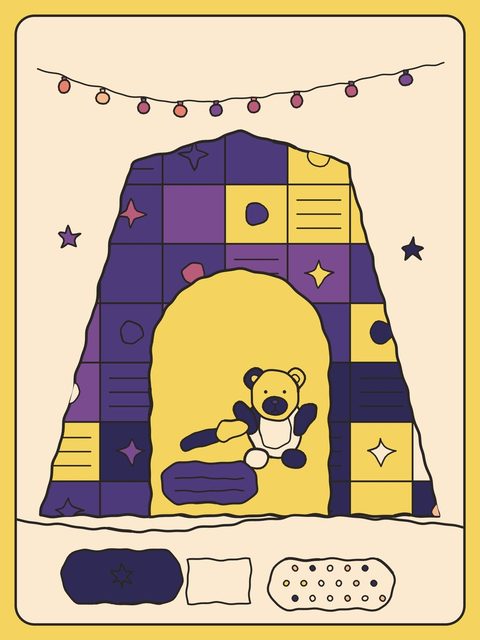
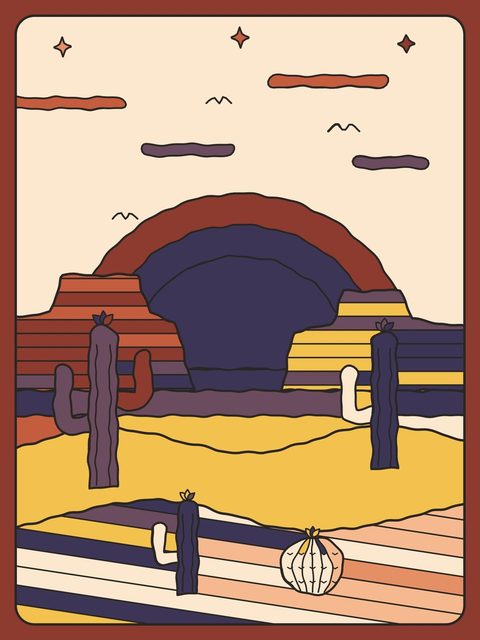
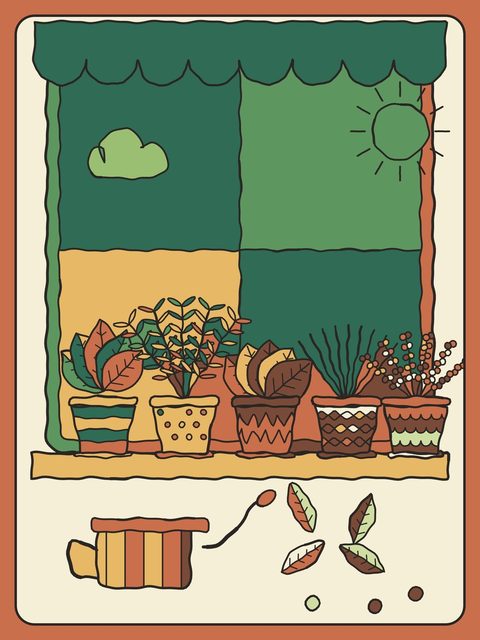
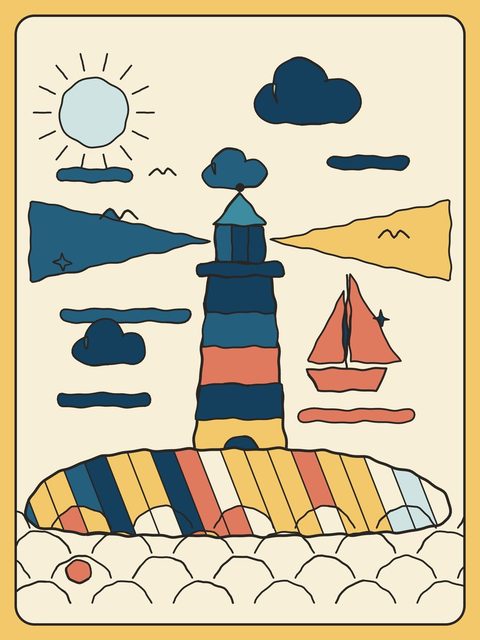
Original pages by makeART and classics from the museum shelf. Tap to fill, brush the rest, and watch it come together.


Download on the App Store
QR code for the App Store pageScan to open the App Store on your phone

One purchase. No subscription, no ads, no account.
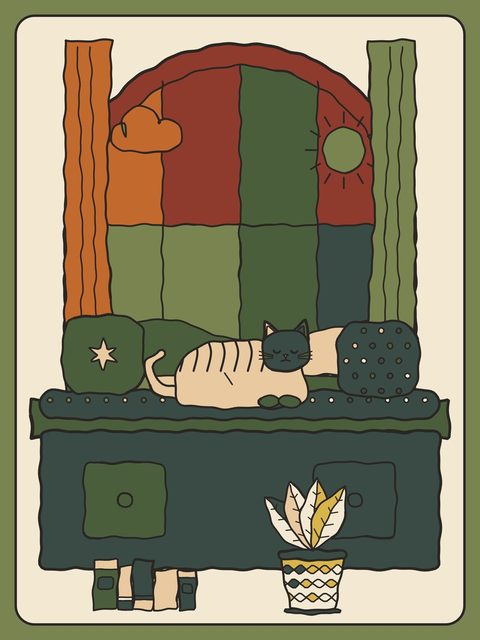
Original pages and museum classics, ready for your colors.

Color

Tap to fill. Brush the rest.

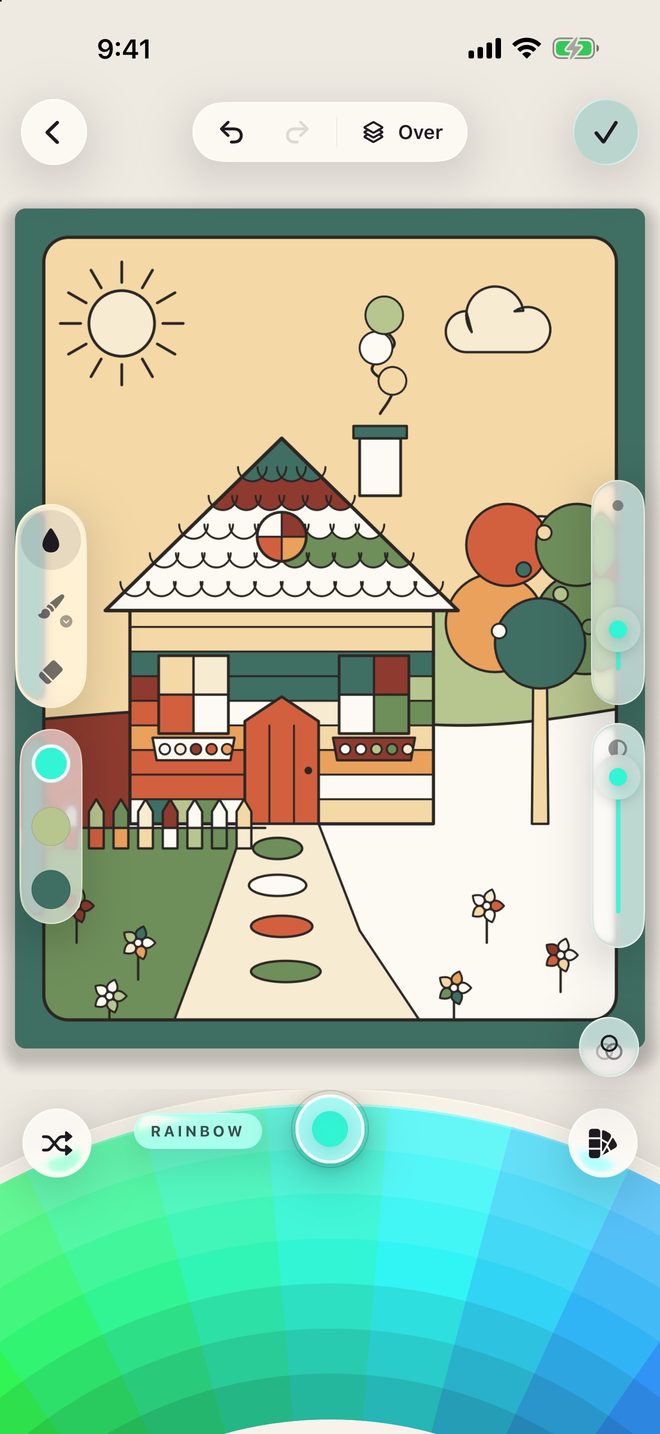
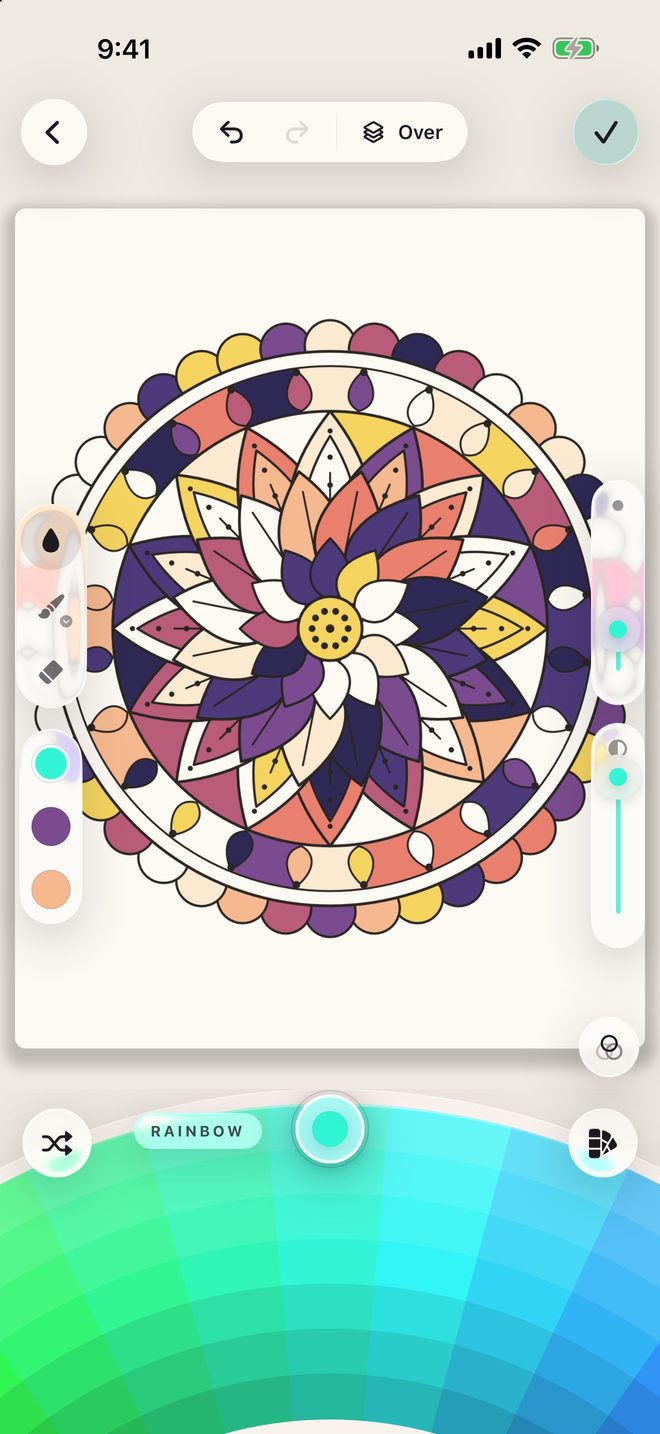
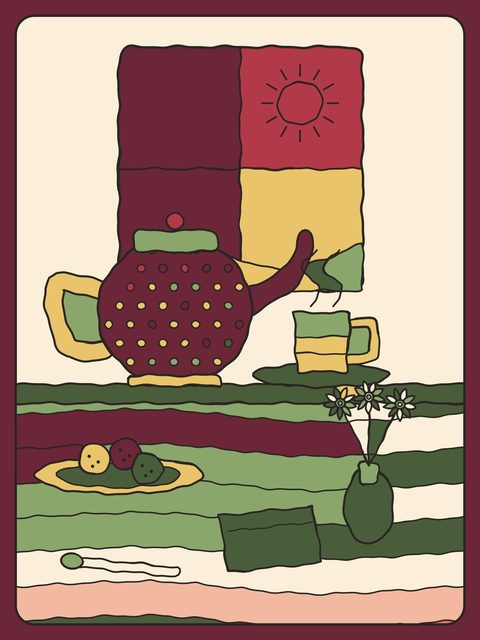
Tap any shape and it fills. When you want a softer hand, switch to brush, pencil, marker, crayon, watercolor, or airbrush. Erase, undo, and zoom right in on the tiny details.

  • Fill
  • Brush
  • Pencil
  • Marker
  • Crayon
  • Watercolor
  • Airbrush
  • Eraser
Coloring a cozy cottage page in makeART Coloring Book
Coloring a lotus mandala page

Palettes

Colors you actually want.
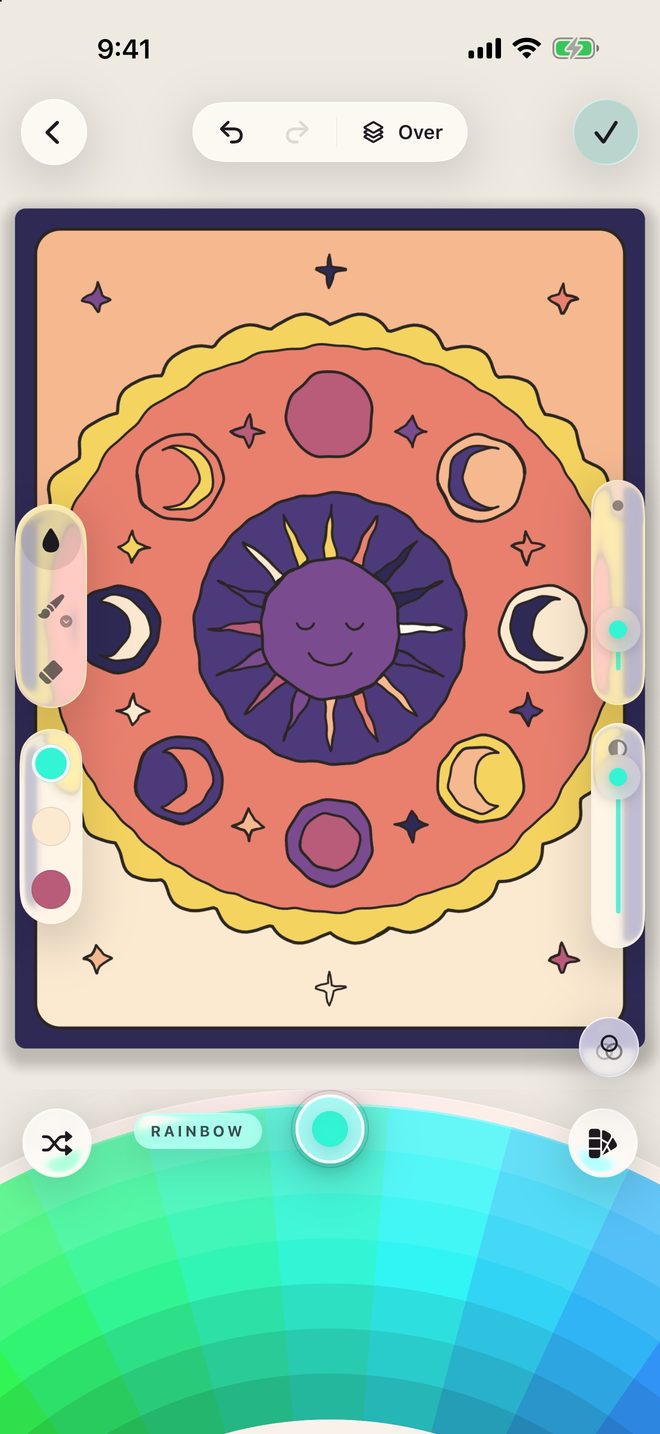
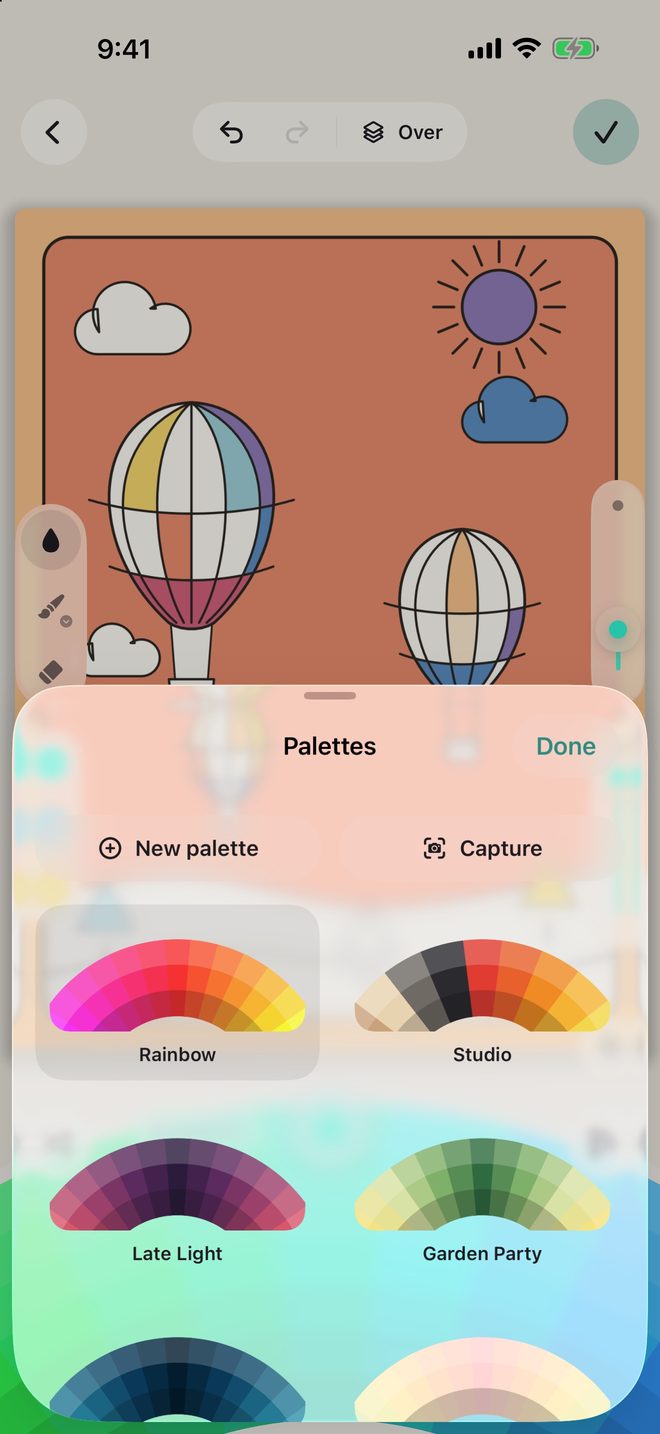
Spin the color wheel, start from a ready made palette, or build one from a photo or the camera. Make your own and keep it for the next page.

The palettes screen in makeART Coloring Book
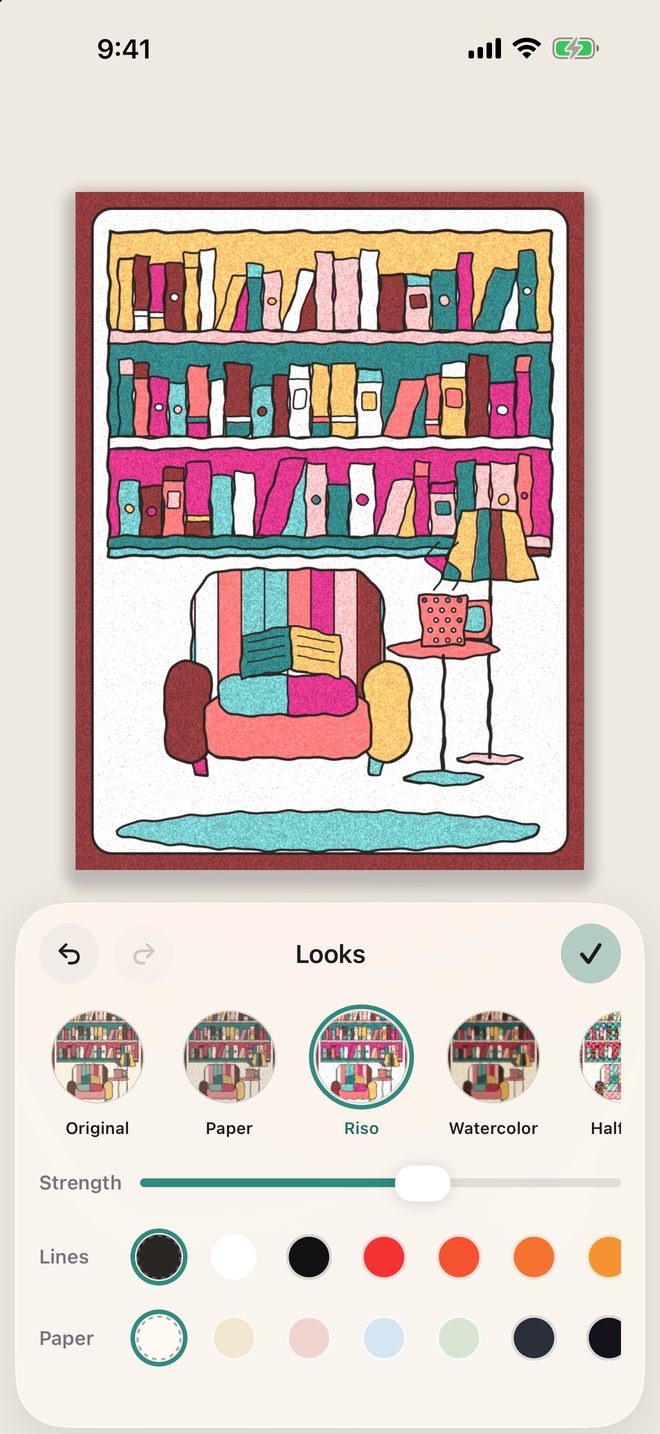
Choosing a look for a finished page

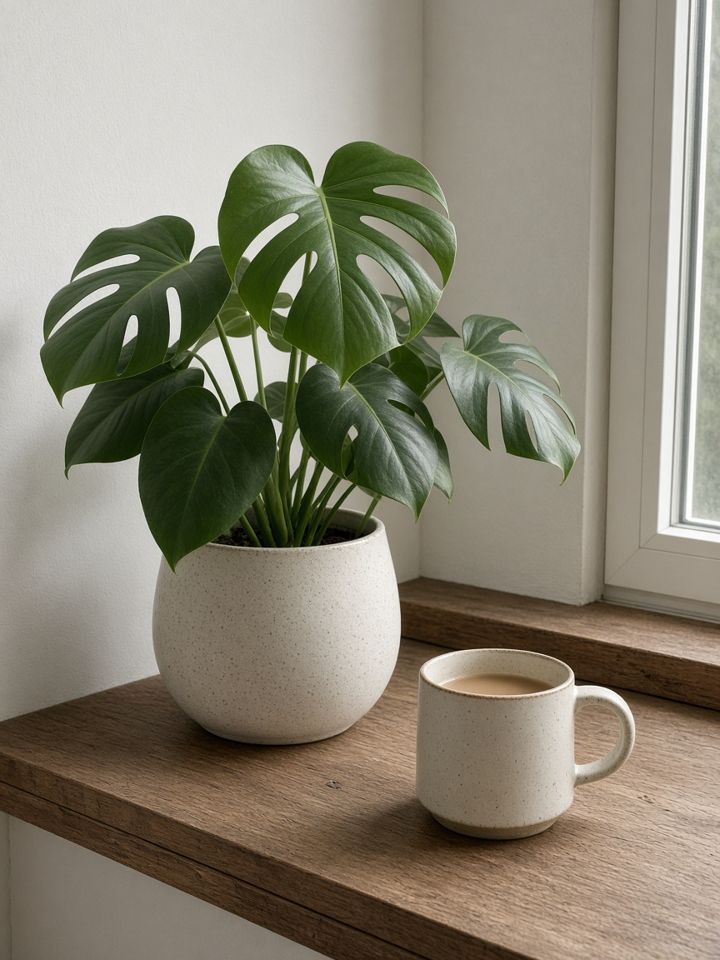
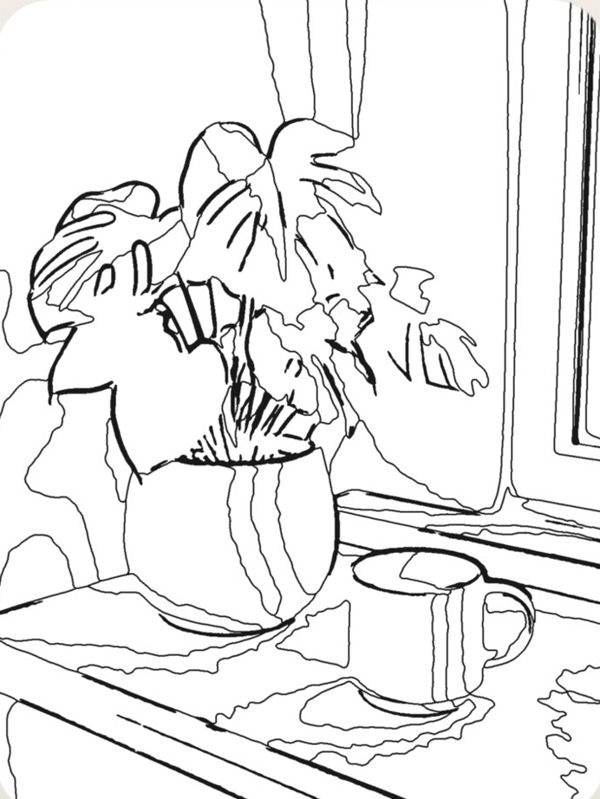
Photo to Page

Any photo can be a page.

Pick a picture and it becomes a coloring page. It is made right on your device, so your photo stays with you.

A photo of a plant and a mugThe same photo turned into a coloring pagePhotoPage

Looks

Give it a look.

Finish a piece, then see it again as paper, riso print, watercolor, halftone, museum, or neon. Your work stays the same. Switch back to Original any time.

  • Original
  • Paper
  • Riso
  • Watercolor
  • Halftone
  • Museum
  • Neon
A page shown with the Neon look
A page shown with the Halftone look

Timelapse

Watch it come together.

Every piece can replay as a short timelapse, from the first fill to the last touch. Save it as a tall video for stories or a square one for posts.

Page by page

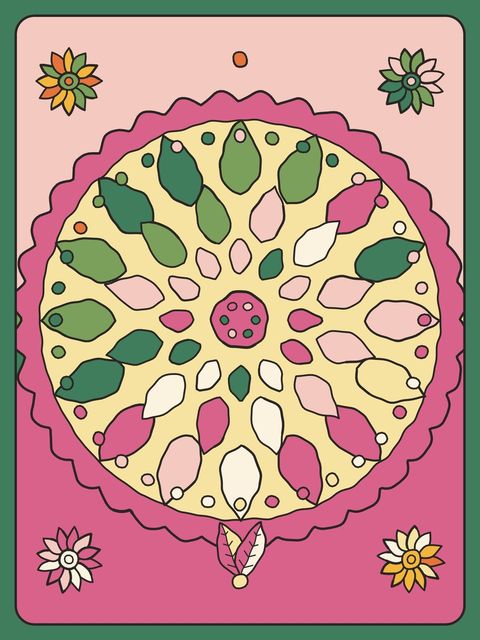
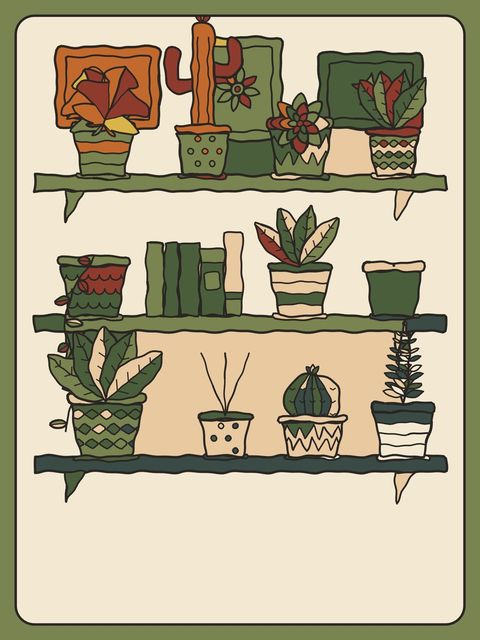
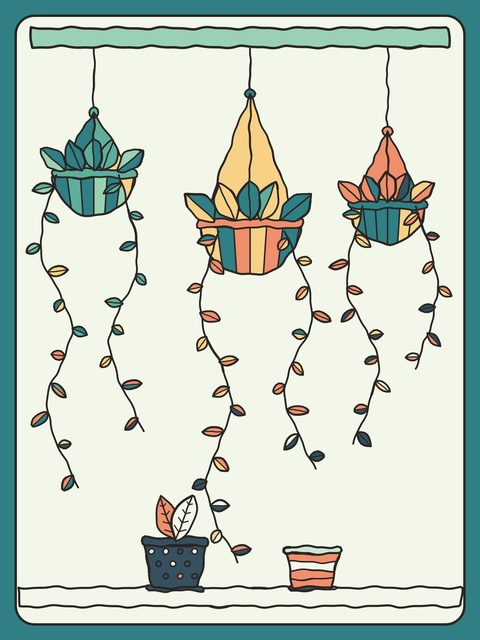
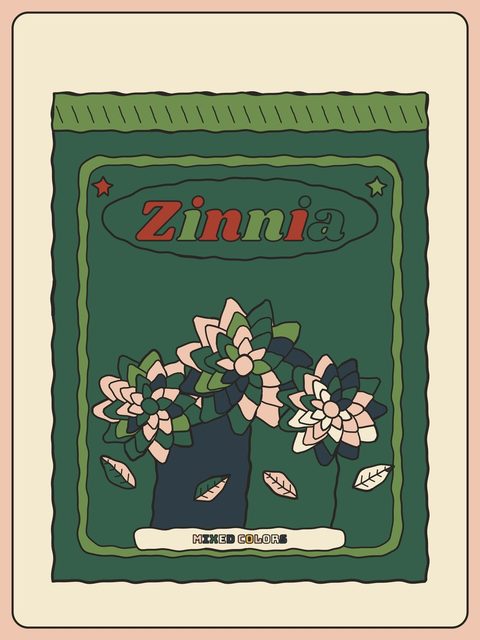
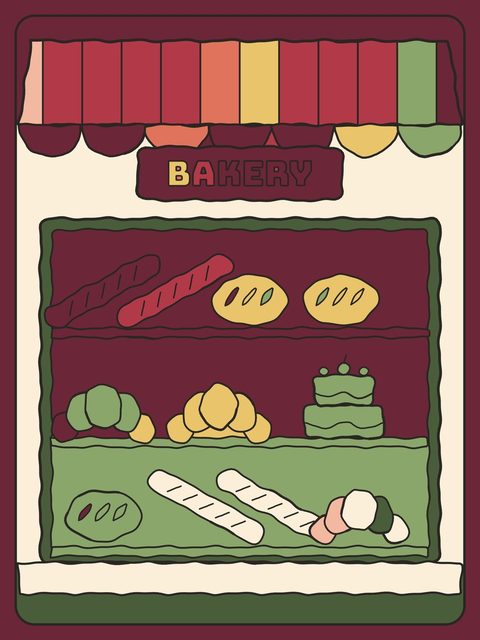
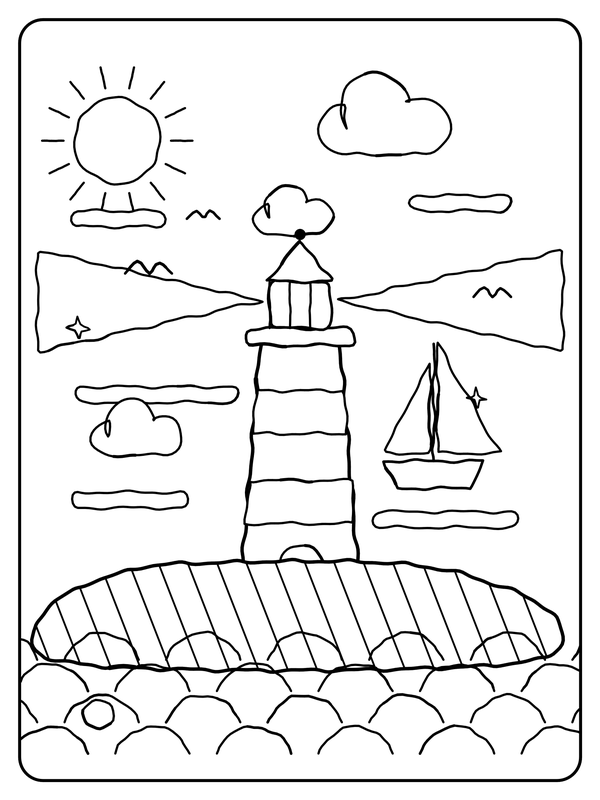
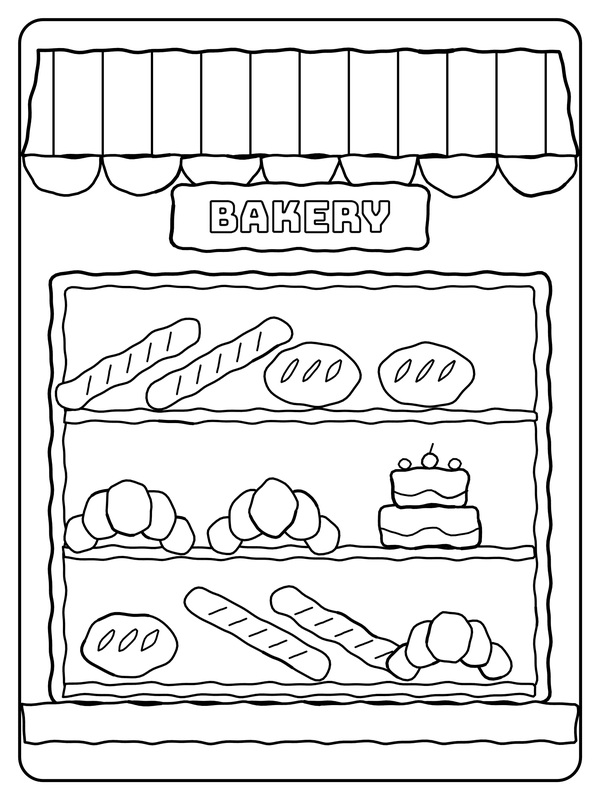
Pages that start as lines.

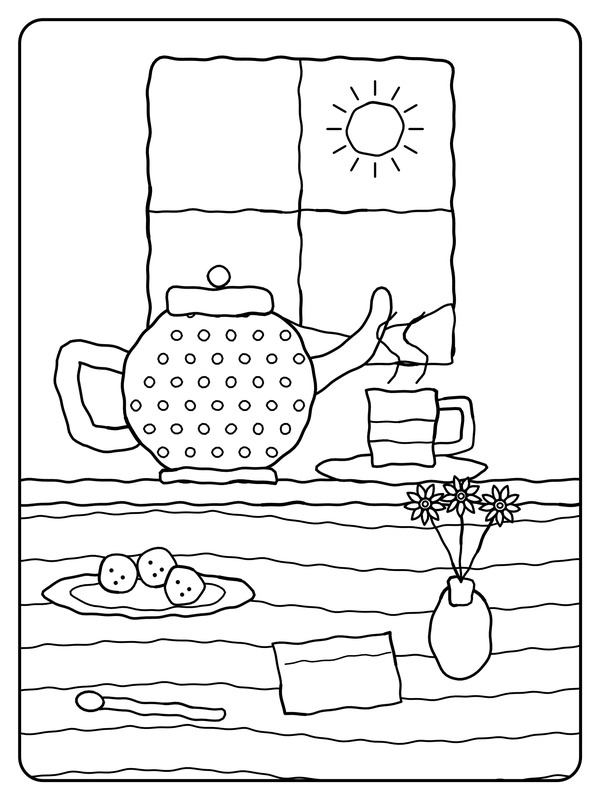
Each page waits for you as clean line art. Your colors do the rest.
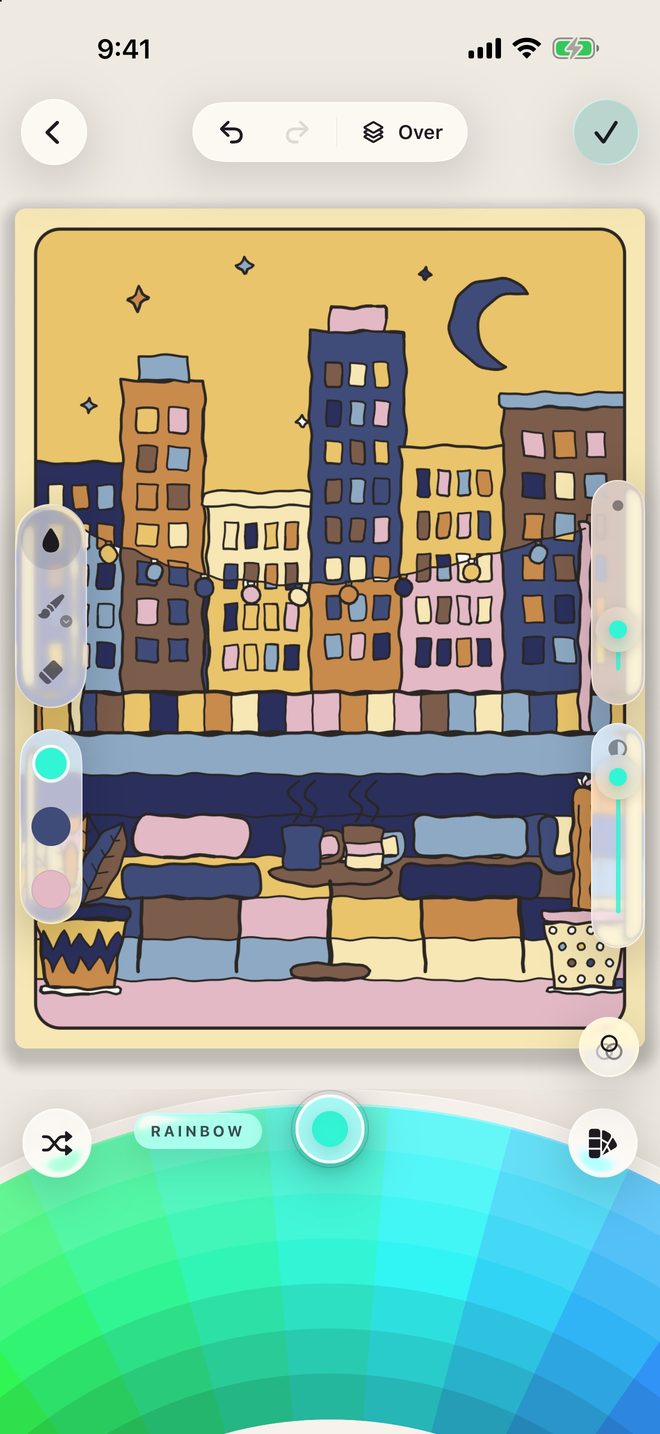
The museum shelf

Color the classics.

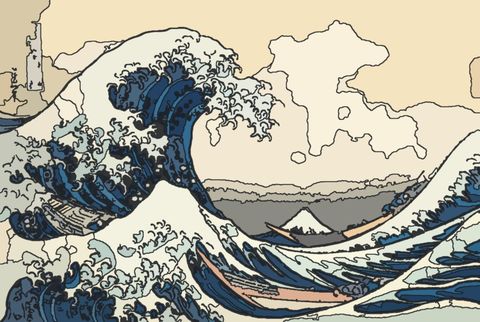
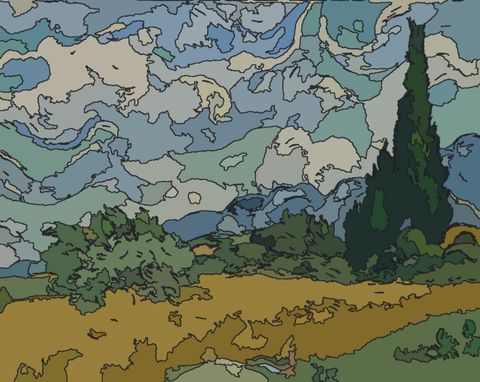
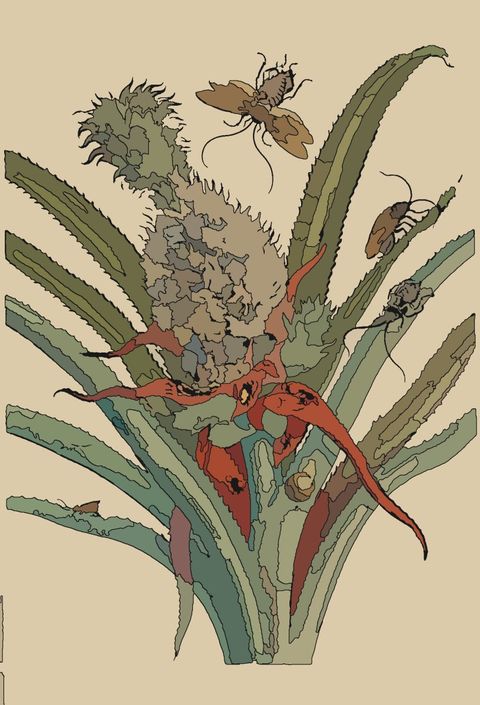
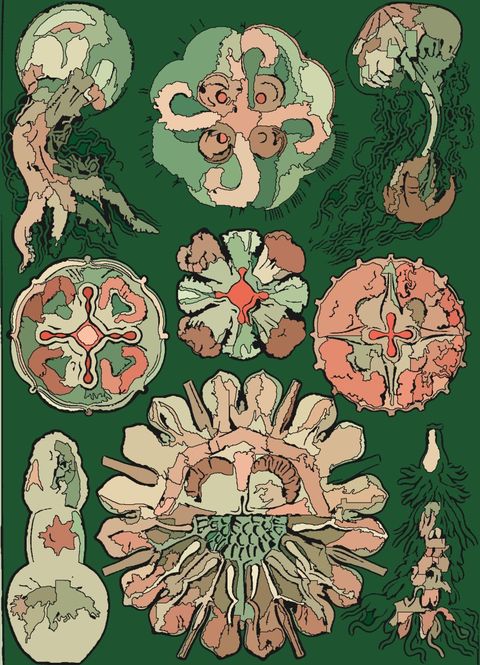
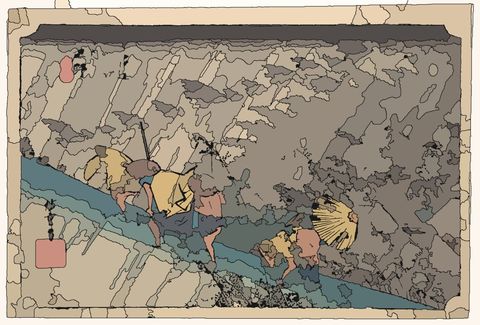
Pages drawn from public domain and openly licensed works in museum collections, set up and ready to color.

Hokusai
Van Gogh
Maria Sibylla Merian
Ernst Haeckel
Hiroshige

Inside

A calm place to make things.

Warm paper, soft glass, and room for your colors.

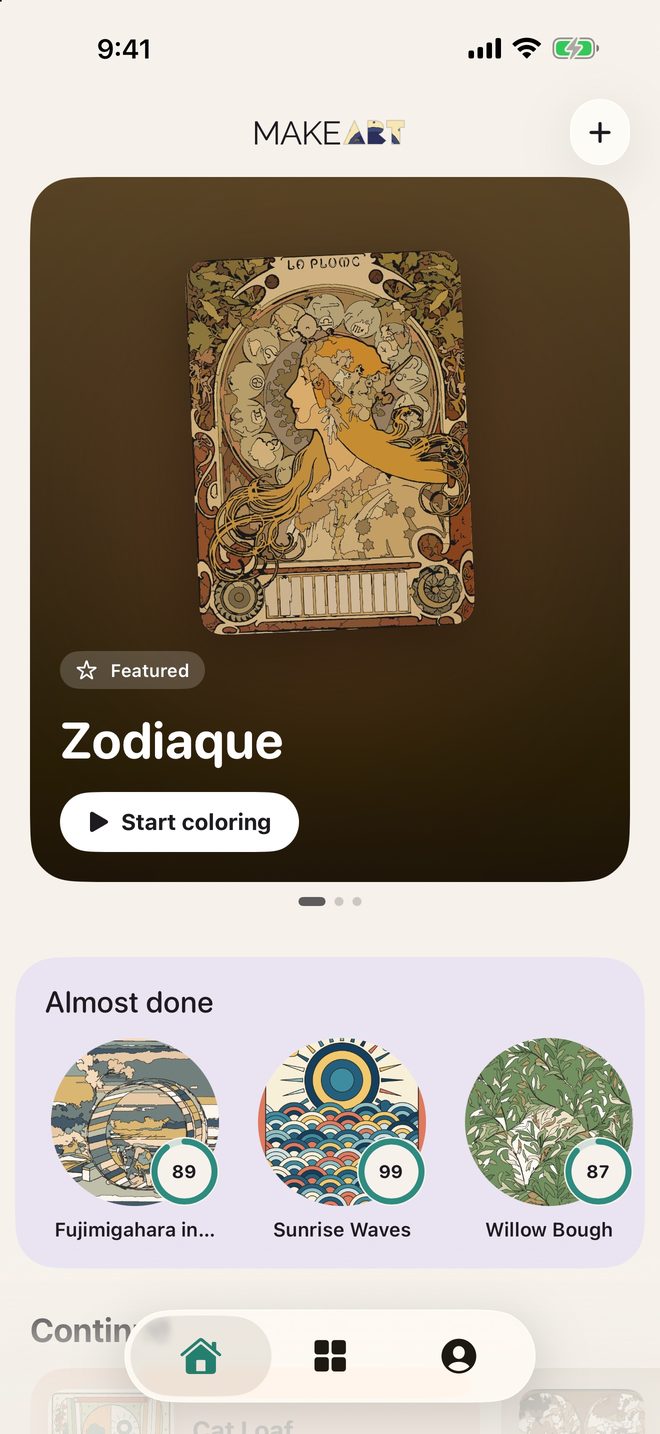
The Home screen
HomePick up where you left off
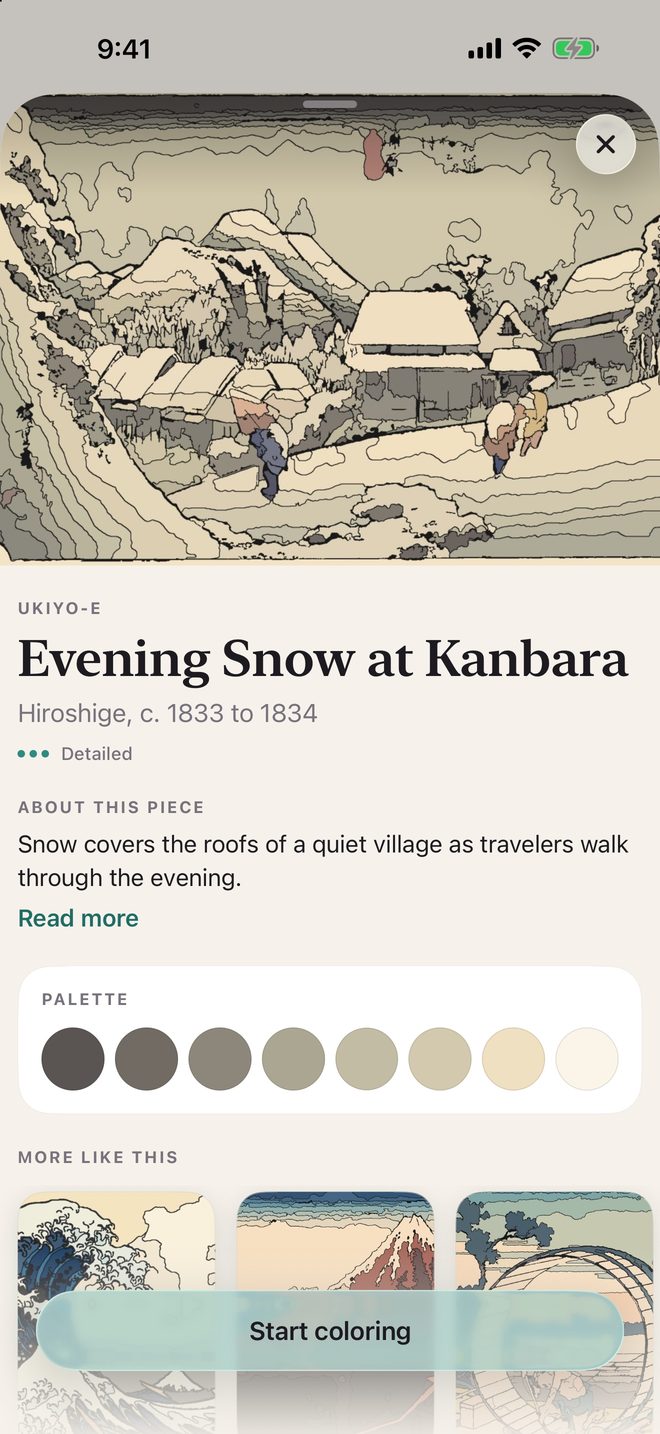
A museum page detail
MuseumClassics with a little story
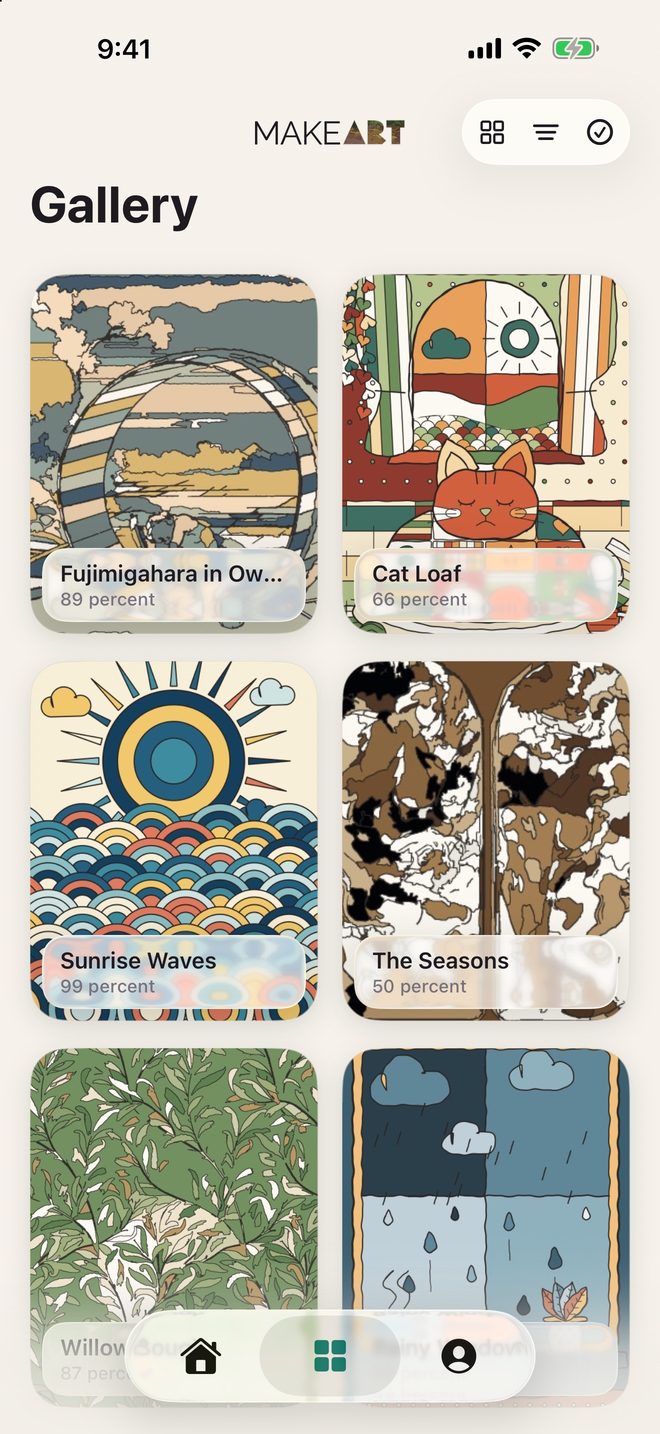
The Gallery of finished pieces
GalleryEverything you have made
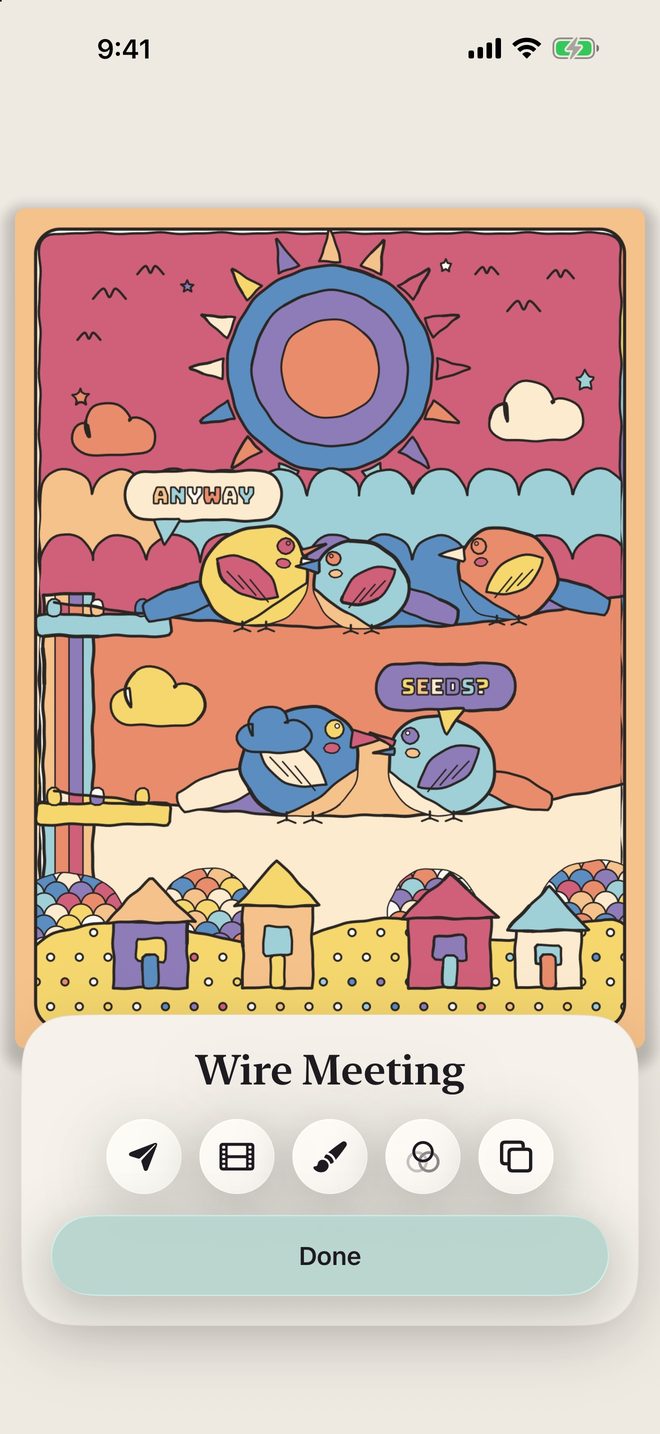
The completion screen
FinishedShare it or replay it
Coloring in dark mode
Dark modeEasy on the eyes at night

A different hello

A new opening every time.

The app greets you with a small animation that changes from launch to launch.

Yours

Private by design.

Stays on your device

Your art, your photos, and your palettes live on your phone or iPad. Photo to Page is made on the device too.

No ads, no account

No sign in, no subscription, and nothing to unlock. You buy it once and it is yours.

Works offline

Everything runs on your device, so color on a plane, a train, or a quiet porch.

Read the privacy policy

Made for iPad

A big canvas for big ideas.

Light and dark

Paper by day, midnight by night.

Shortcuts

Jump into a page from your routines.

Gentle reminders

Optional, and never more than one a day.

makeART Coloring Book app icon

Your next favorite page is waiting.

Download makeART Coloring Book for iPhone and iPad.

Download on the App Store